CSU Bakersfield Chemistry AR
An augmented reality app that lets chemistry students put molecules and an electric car's battery on the desk in front of them, then turn them over in their hands.
- Client
- California State University, Bakersfield
- Program
- California Challenges in STEM Energy Education, funded by the California Education Learning Lab
- Year
- 2021
- Platform
- iOS and Android (ARKit / ARCore), Unity
The challenge
CSU Bakersfield, with UC Merced and Bakersfield College, runs California Challenges in STEM Energy Education, a program working to close equity gaps for Hispanic and other underrepresented students in STEM across California's Central Valley. Its chemistry faculty wanted something students could carry in their pocket: a way to see three-dimensional chemistry that textbooks flatten onto a page. Stereocenters and Fischer projections are notoriously hard to picture, and the online model kits available didn't work on a phone.
What we built
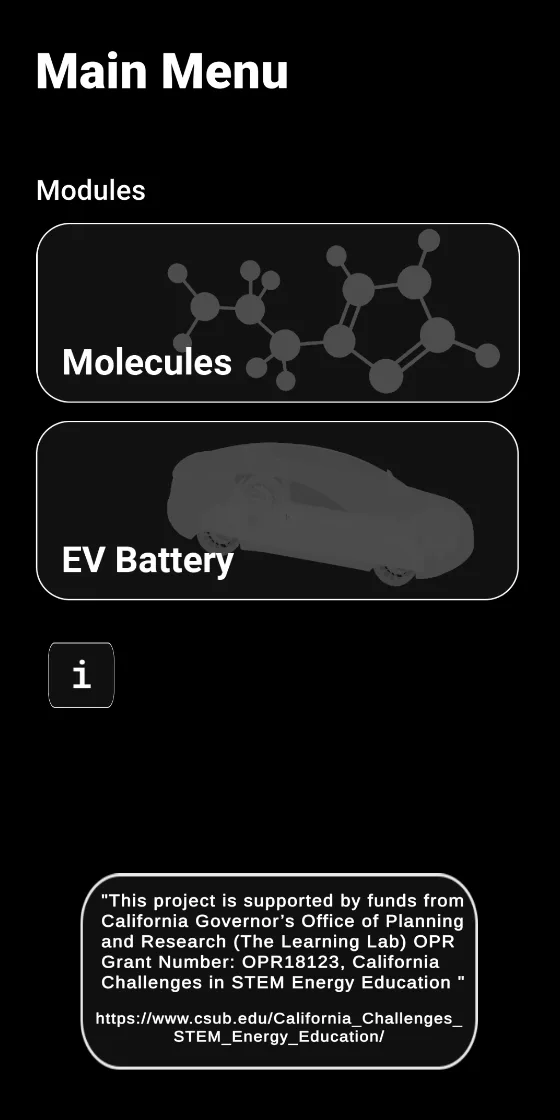
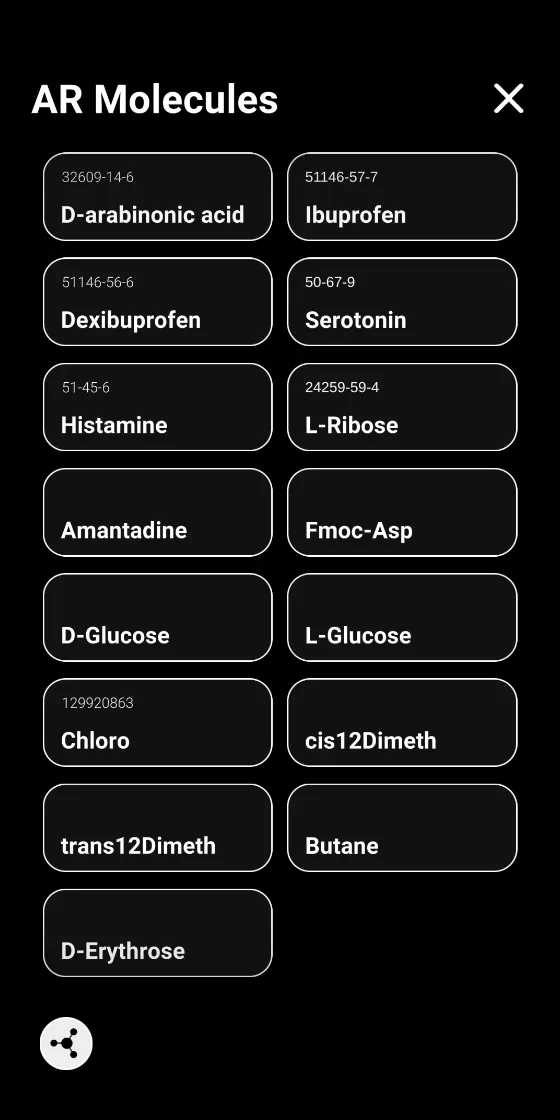
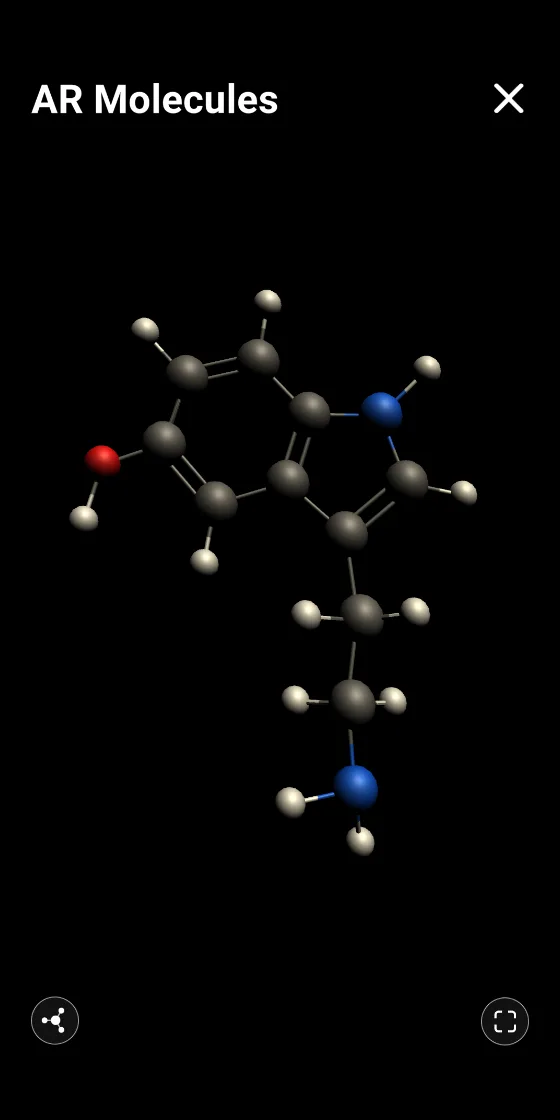
- AR Molecules. A library of 3D molecules students can place in the room, rotate and resize — chosen to make stereochemistry visible, including mirror-image pairs such as D- and L-glucose and ibuprofen and dexibuprofen, and cis/trans isomers.
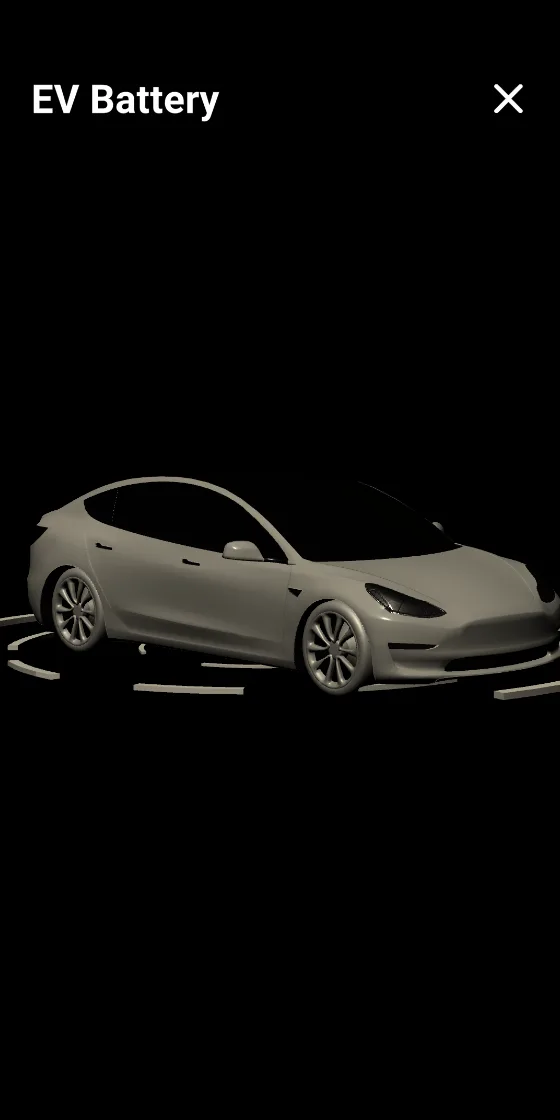
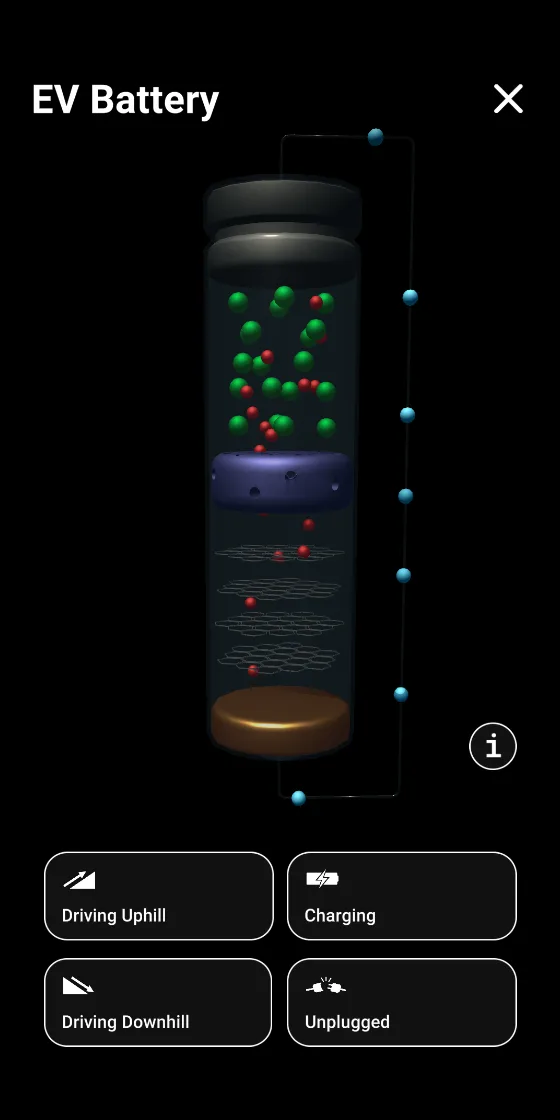
- EV Battery. Students place an electric car in their space, then open up a battery cell and watch lithium ions move as the car drives uphill, coasts downhill, charges or sits unplugged — oxidation-reduction chemistry tied to something students care about.
- Built for every learner. Closed captions and audio-described guides were designed in from the start, not added at the end.
- Distributed through the university. We prepared builds for CSUB's own App Store and Google Play accounts.
How we worked
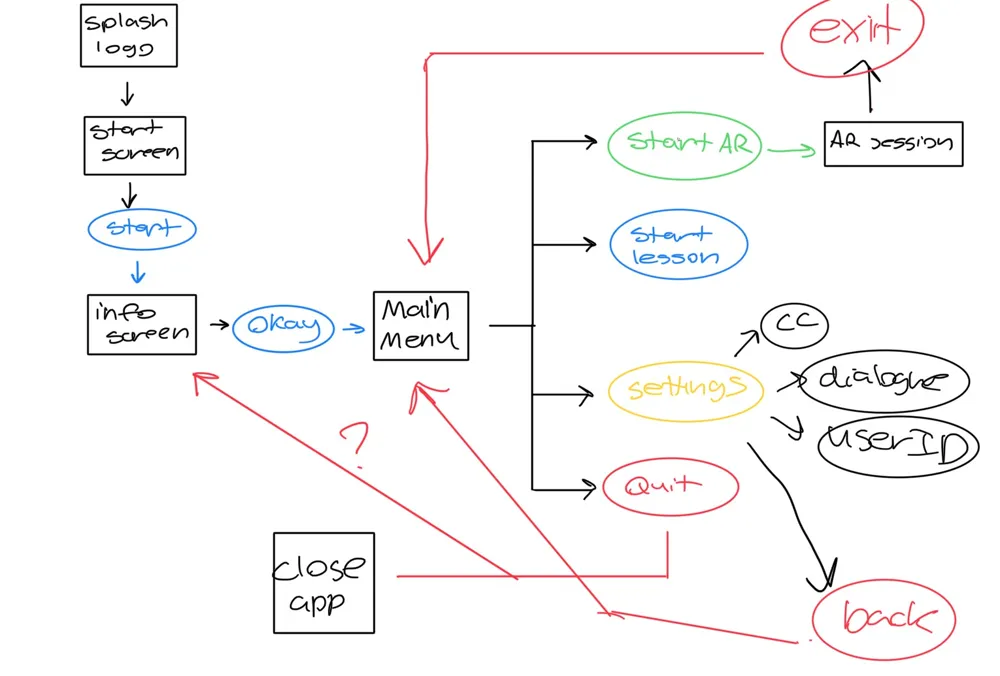
We met with the faculty team every week and got an early build into their hands fast: the AR car was working within the first weeks, and a beta followed so the course team could pilot it with students and refine the lessons from real classroom feedback. Navigation was mapped out with the faculty before any screens were built.